v0.1.0SCRATCHPAD FOR LINUX

Seven dots for everything on your mind.

A floating scratchpad for Linux with exactly seven colored notes, a snippet library and slash commands that run on a local AI model.

Rust · GTK4 · libadwaita · gtk4-layer-shell · SourceView5 · llama.cpp
Nuqta icon
نقطة
dot
Nuqta main window
The Power Of Seven

Seven dots, so a scratchpad stays a scratchpad.

There are exactly seven colored dots. You cannot hoard notes. When a dot fills up, you format it, save it to the snippet library, or clear it.

Features

What Nuqta does

●

Exactly seven dots

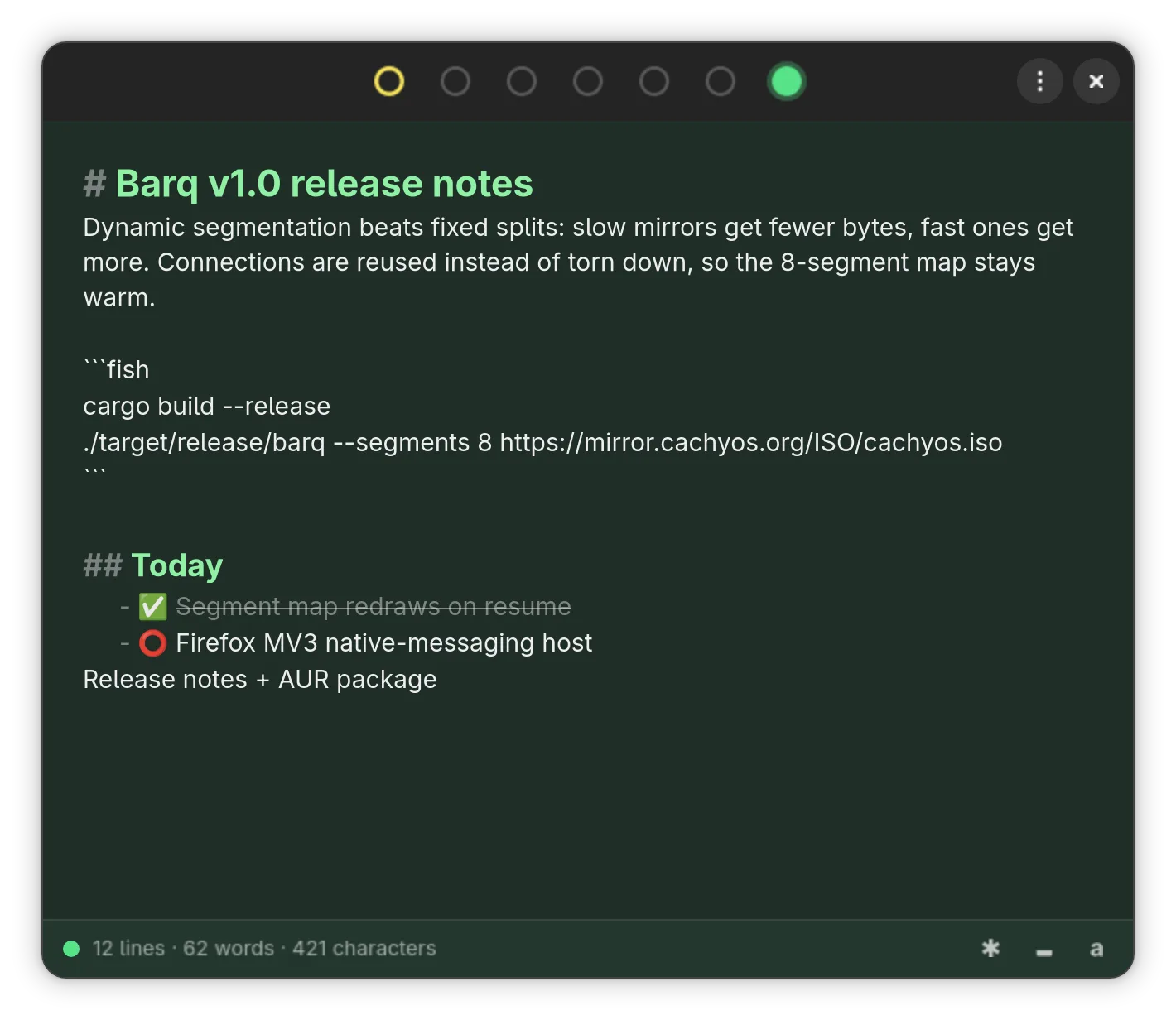
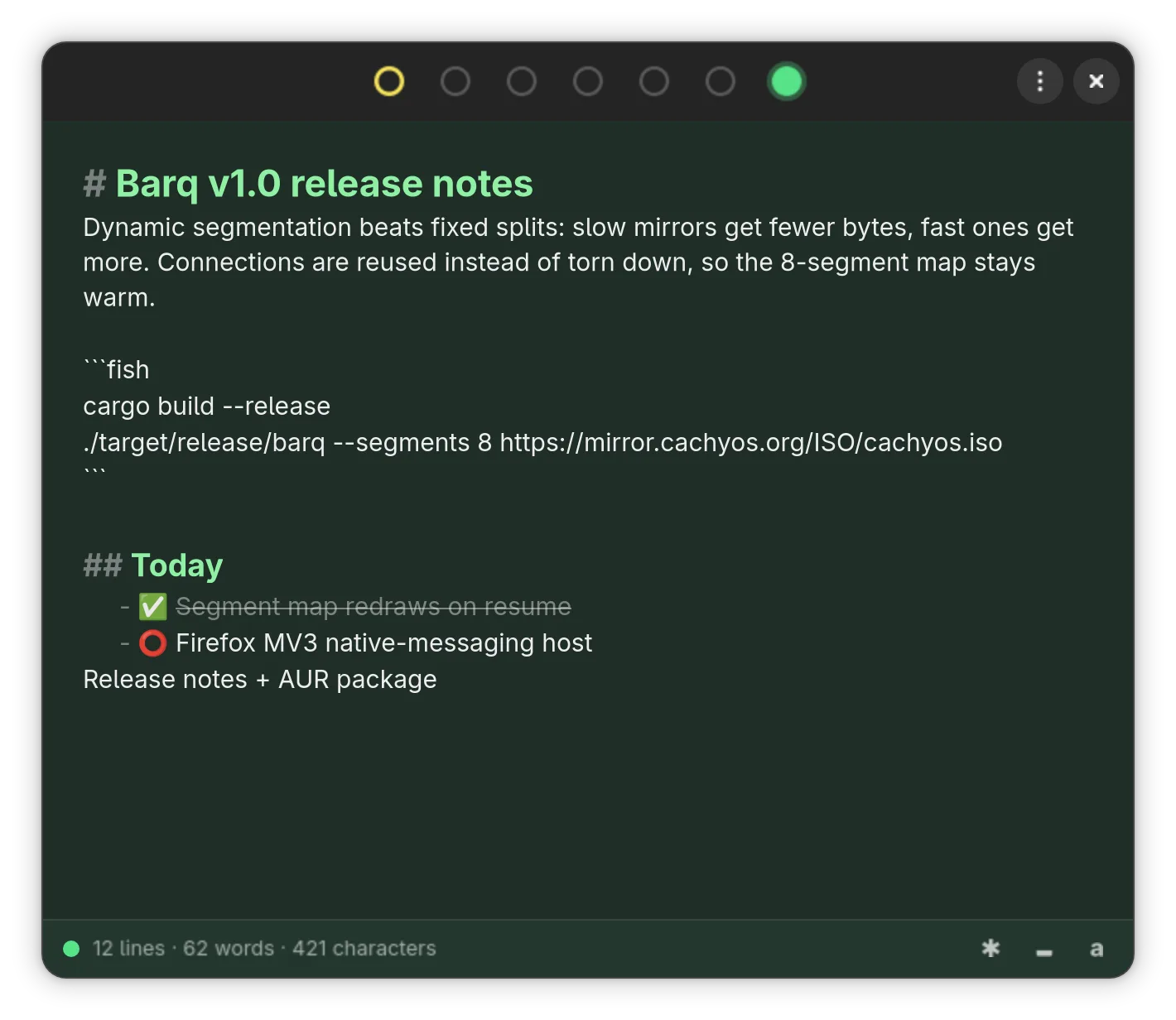
Seven colored notes, each tinting the whole canvas, so you remember where you put things.

⌨

One keystroke away

Floats above other windows with gtk4-layer-shell and is summoned or tucked away by a hotkey.

⚡

Local AI commands

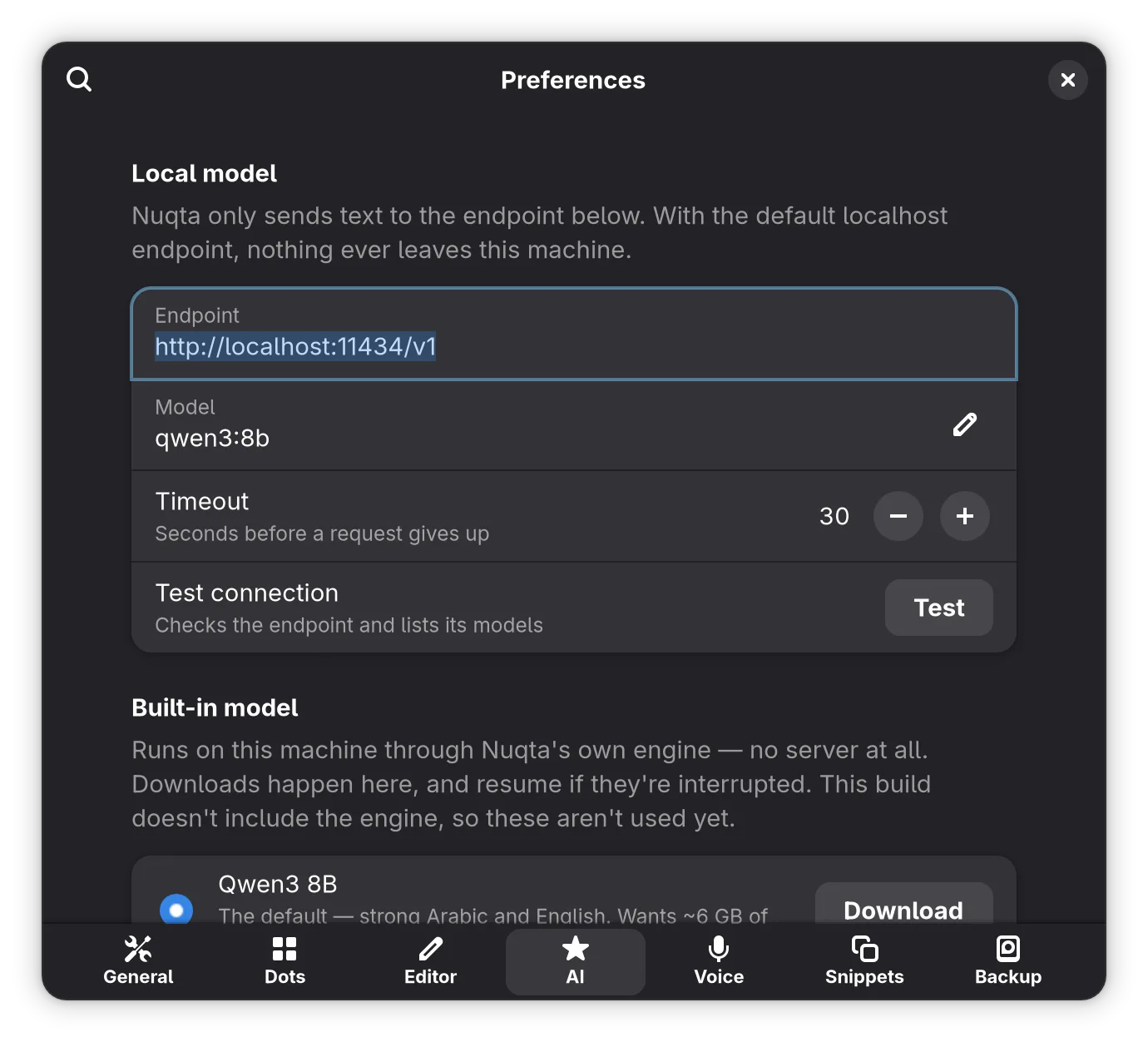
/format, /summarize and /extract-todos run on a built-in llama.cpp engine; text stays on the machine.

🎙

Voice dictation

/voice transcribes speech into the current dot with a built-in Whisper engine.

💾

Snippet library

/save promotes a note into a searchable library and can type a snippet into the focused app.

🖥

Command line

nuqta --append N adds stdin to a dot without stealing focus; daily JSON backups included.
Capture

Write it down without leaving what you are doing

  • Global hotkey shows or hides the floating window
  • SourceView5 editor with Markdown rendering
  • Optional Vim bindings and a translucent background
  • Wayland and X11, with a tray icon tinted by the active dot
Write it down without leaving what you are doing
Process

Slash commands that run on your machine

  • Simple fixes run deterministically before any model call
  • Built-in llama.cpp and Whisper engines, downloaded in-app
  • An OpenAI-compatible endpoint can be used instead
  • API keys live in the login keyring, never in settings
Slash commands that run on your machine
By the numbers
7colored dots
6slash commands
44tests
~9,000lines of Rust